 IFINUS
Sales
From the scanner beep to the printed receipt, with no line at the register.
Point of sale, quotes, service orders, contracts and invoices.
How it works
The way your day really goes
- 1
Open the register
Enter the starting change. Each computer has its own register, with cash drops, top-ups and a checked closing.
- 2
Scan the products
Barcode scanner, accent-insensitive search, 3*code for quantity and a scale that weighs by itself.
- 3
Take any payment
Cash with change, Pix, debit, credit in instalments and store credit with a payment booklet.
- 4
Issue the receipt
Receipt on the spot. In Brazil, the NFC-e goes out in contingency when offline and is sent when the connection returns.
Features
What comes with Sales
Keyboard shortcuts
F2 search, F4 customer, F6 discount, F10 finish: the cashier never leaves the keyboard.
Pre-sale
Serve at the counter, save and finish at the register later.
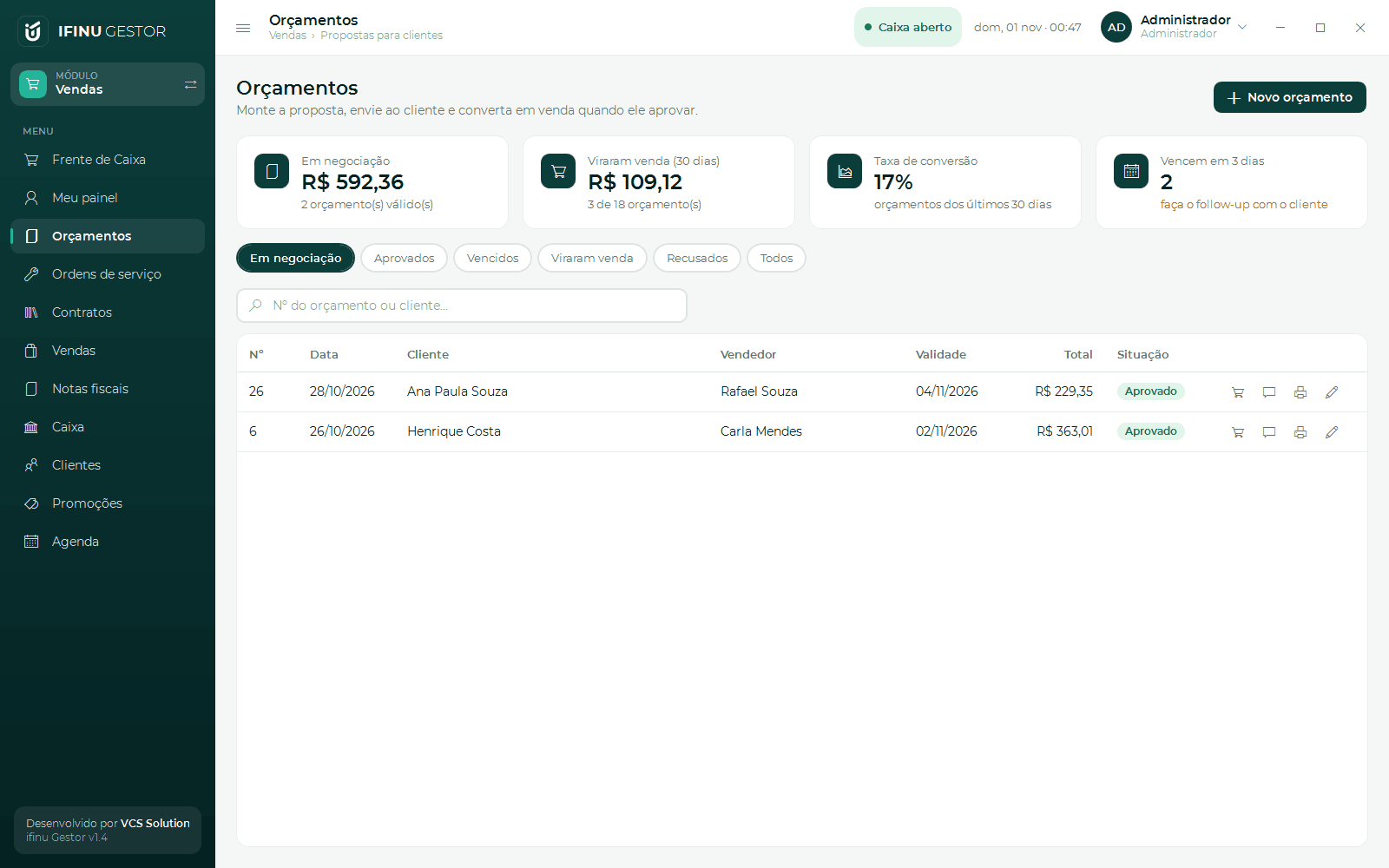
Quotes via WhatsApp
Build the quote, send it by WhatsApp and turn it into a sale in one click.
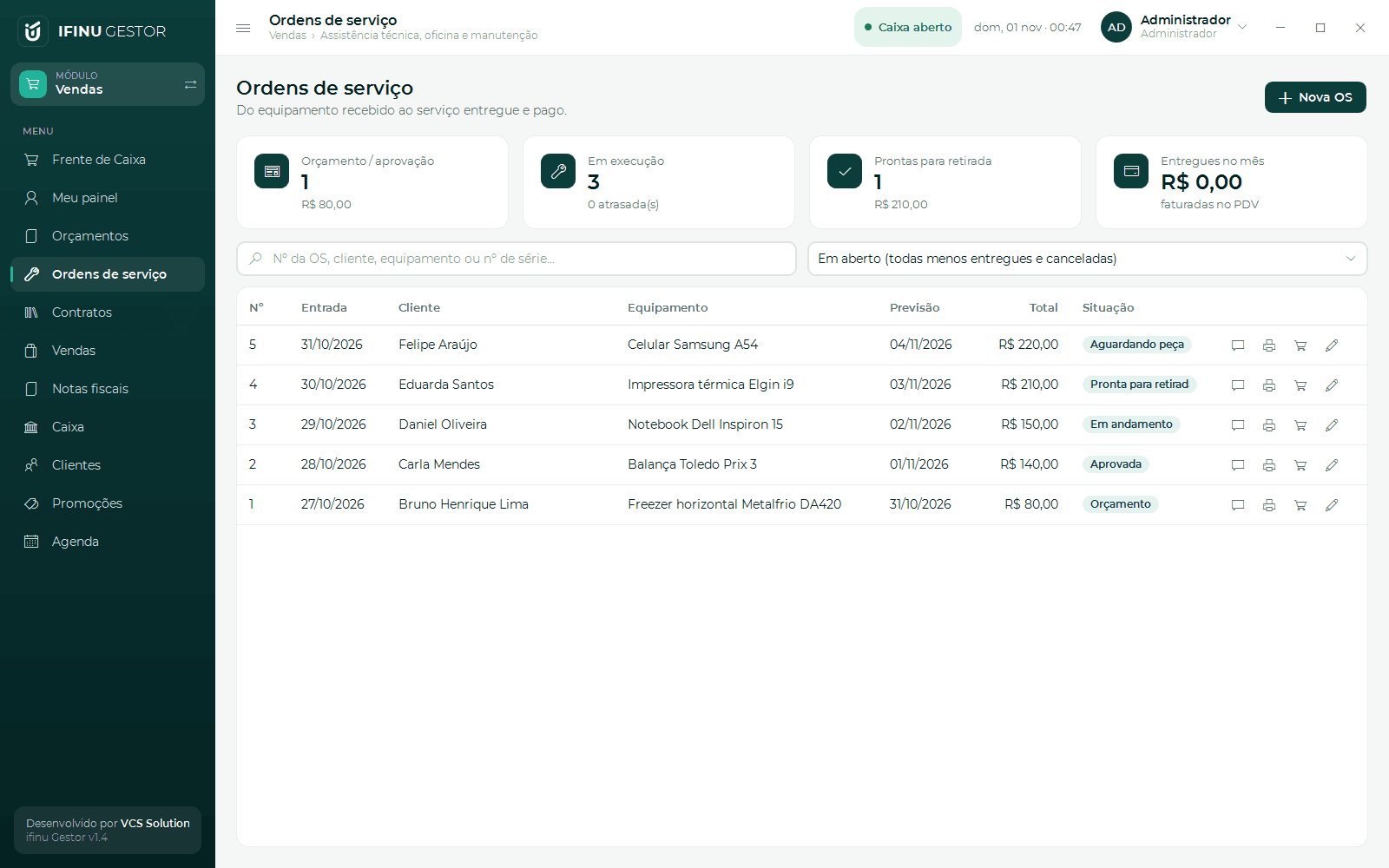
Service orders
Equipment, fault, parts and labour, printed with warranty and billed at the POS.
Contracts and subscriptions
Recurring charges created automatically in receivables.
NFC-e and NF-e (Brazil)
Layout 4.00, DANFE, cancellation, correction letter, number voiding and XML files for the accountant.
Brazilian invoices in the Commerce and Complete plans; service orders and contracts in Complete. See pricing