 IFINUS
Restaurant
From the table to the kitchen and the register, no paper and no rush.
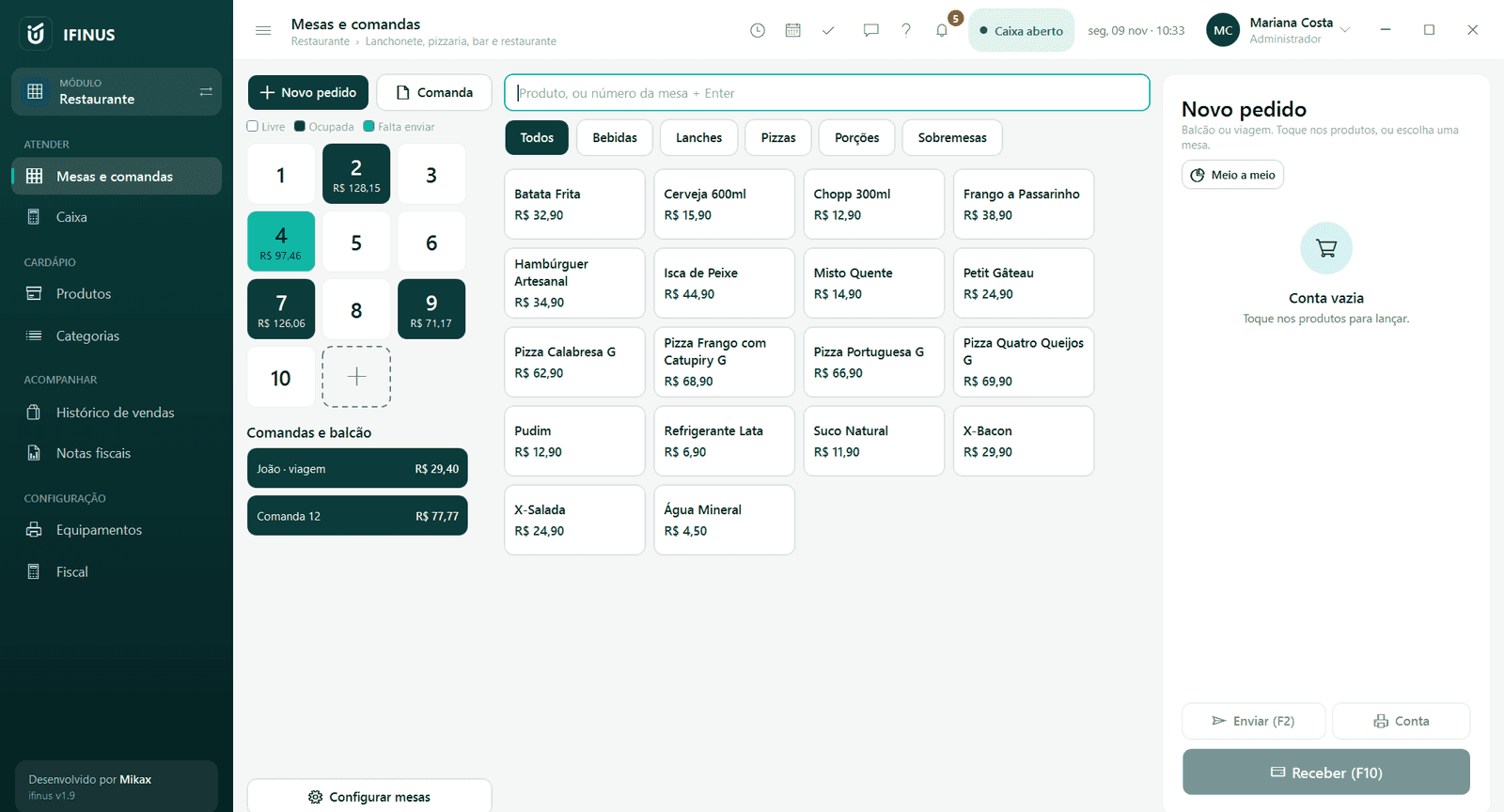
Tables, tabs, counter, kitchen and cash register on one screen.
How it works
The way your day really goes
- 1
Open the table
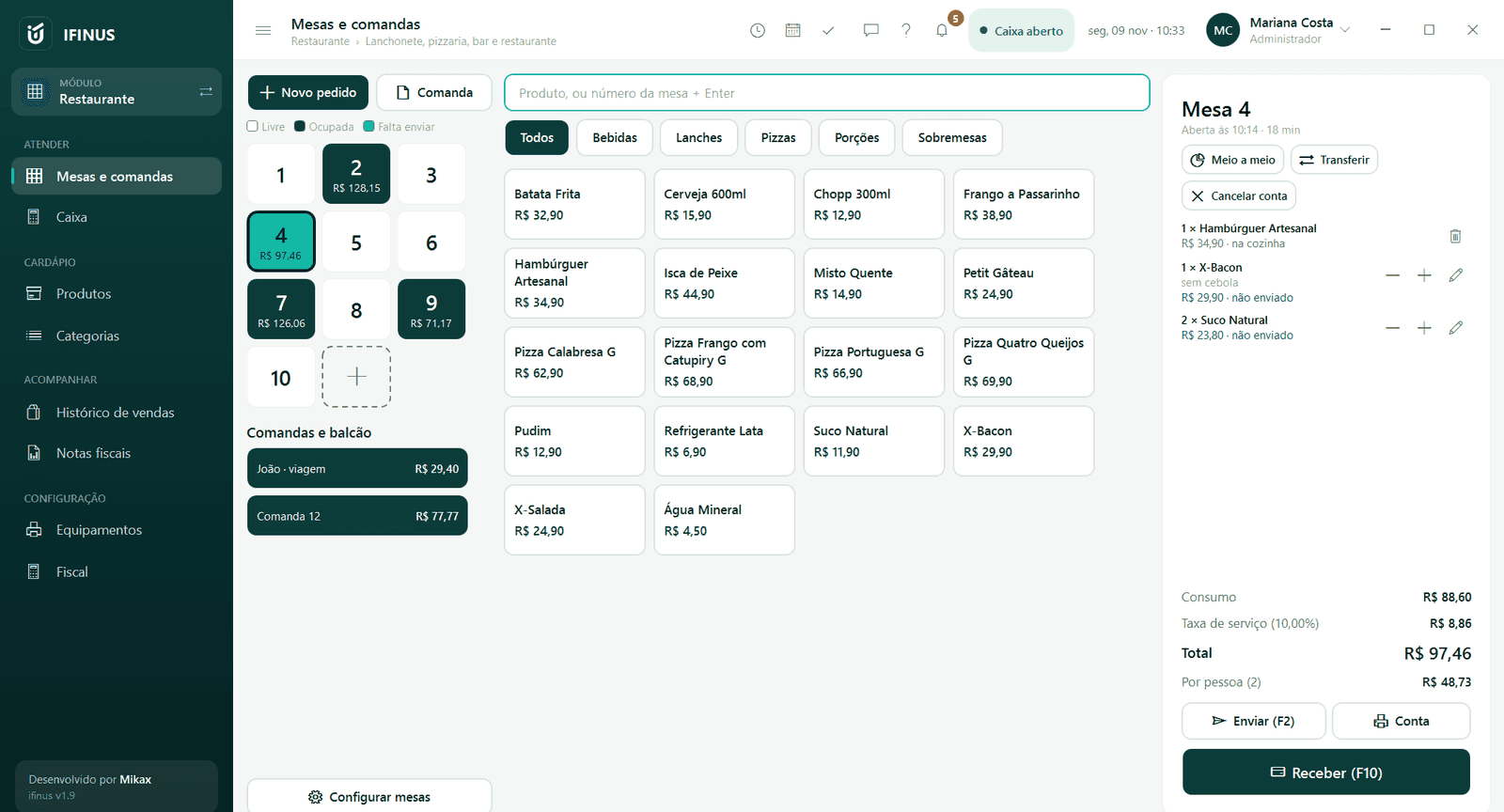
One tap on the table and the bill opens with the first product. Tabs and counter orders stay on the same screen.
- 2
Add the items
Menu by category, a note on each item and half-and-half pizza at the price of the more expensive flavor.
- 3
Send it to the kitchen
The order prints in the kitchen with only what hasn't been sent yet, without showing prices.
- 4
Take payment
Service charge, amount per person, CPF on the receipt and NFC-e. Payment goes into the same cash register as the shop.
Features
What comes with Restaurant
Table map
Free, occupied or with items waiting to be sent, and the amount of each bill at a glance.
Tabs and counter
Orders numbered automatically, for eating at the counter or takeaway.
Fast on the keyboard
Table number + Enter, F2 to send and F10 to take payment.
Transfer and merge
Move a bill to another table or merge two tables without losing anything.
Waiter's commission
The commission goes to whoever opened the bill.
On the Commerce and Complete plans. See pricing